

The {svBase} package provides the foundation for the SciViews::R dialect. It defines a series of functions and methods that are used throughout SciViews packages. It also provides some useful base functions that can be used in other R project.
Subsettable functions
The $ operator is not suitable for functions in base R.
It is not meaningful in that context. Yet, it may be convenient to use
it in certain conditions. From the example of
?subsettable:
foo <- structure(function(x, type = c("histogram", "boxplot"), ...) {
  type <- match.arg(type, c("histogram", "boxplot"))
  switch(type,
    histogram = hist(x, ...),
    boxplot = boxplot(x, ...),
    stop("unknow type")
  )
}, class = c("function", "subsettable_type"))
foo
#> function (x, type = c("histogram", "boxplot"), ...)
#> {
#>     type <- match.arg(type, c("histogram", "boxplot"))
#>     switch(type, histogram = hist(x, ...), boxplot = boxplot(x,
#>         ...), stop("unknow type"))
#> }
#> attr(,"class")
#> [1] "function"         "subsettable_type"

# This function can be used as usual:
foo(rnorm(50), type = "histogram")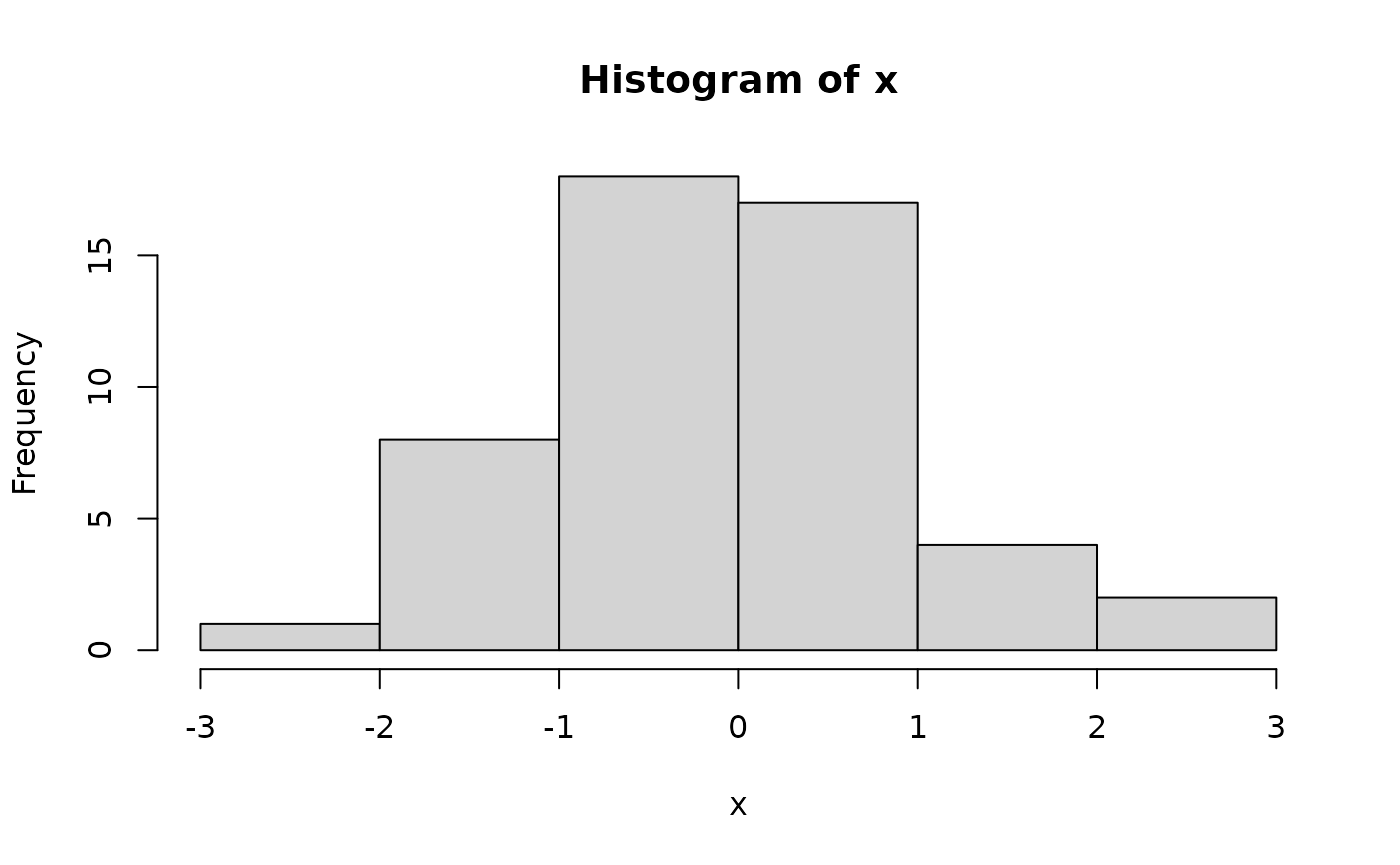
# ... but also this way:
foo$histogram(rnorm(50))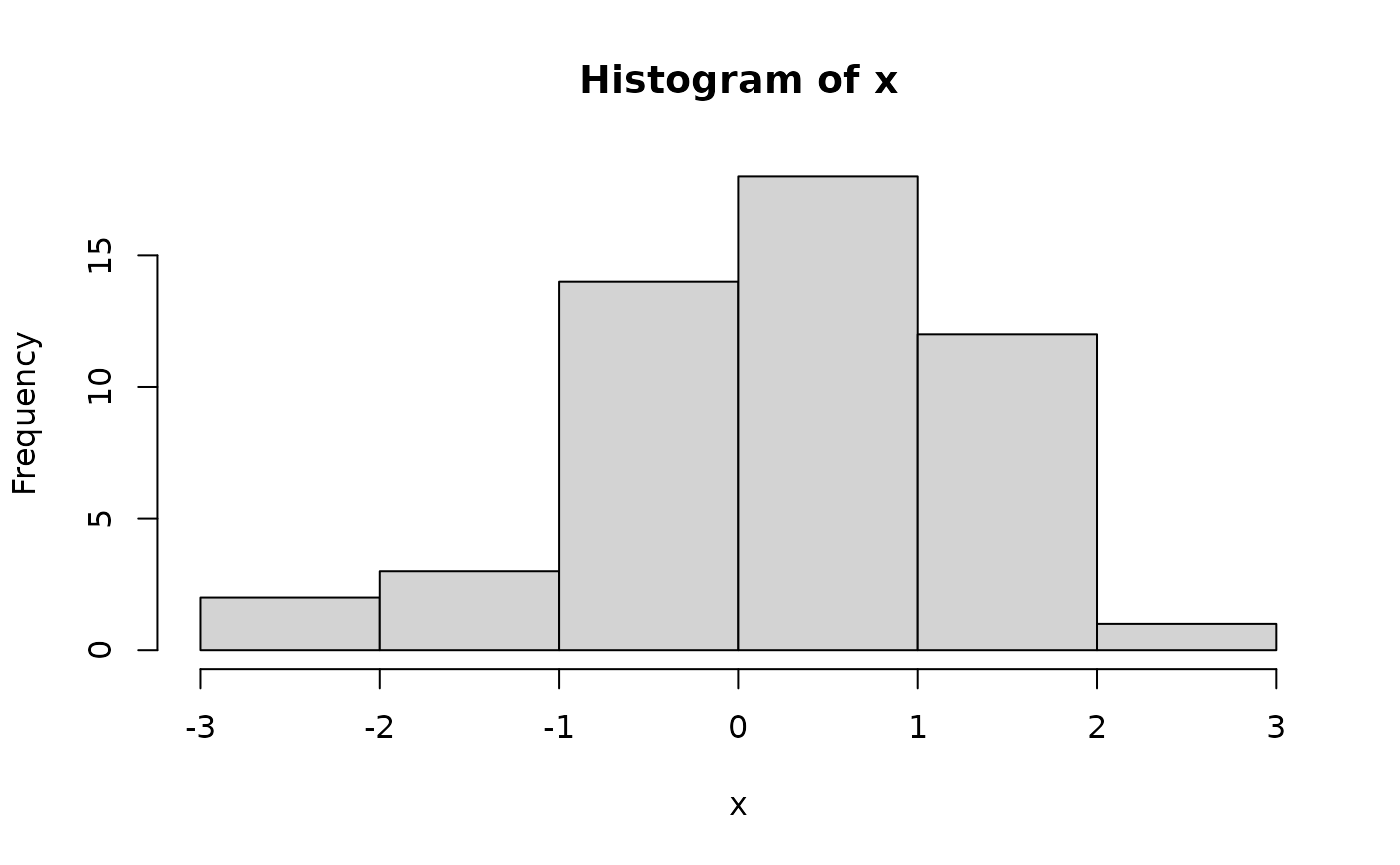
foo$boxplot(rnorm(50))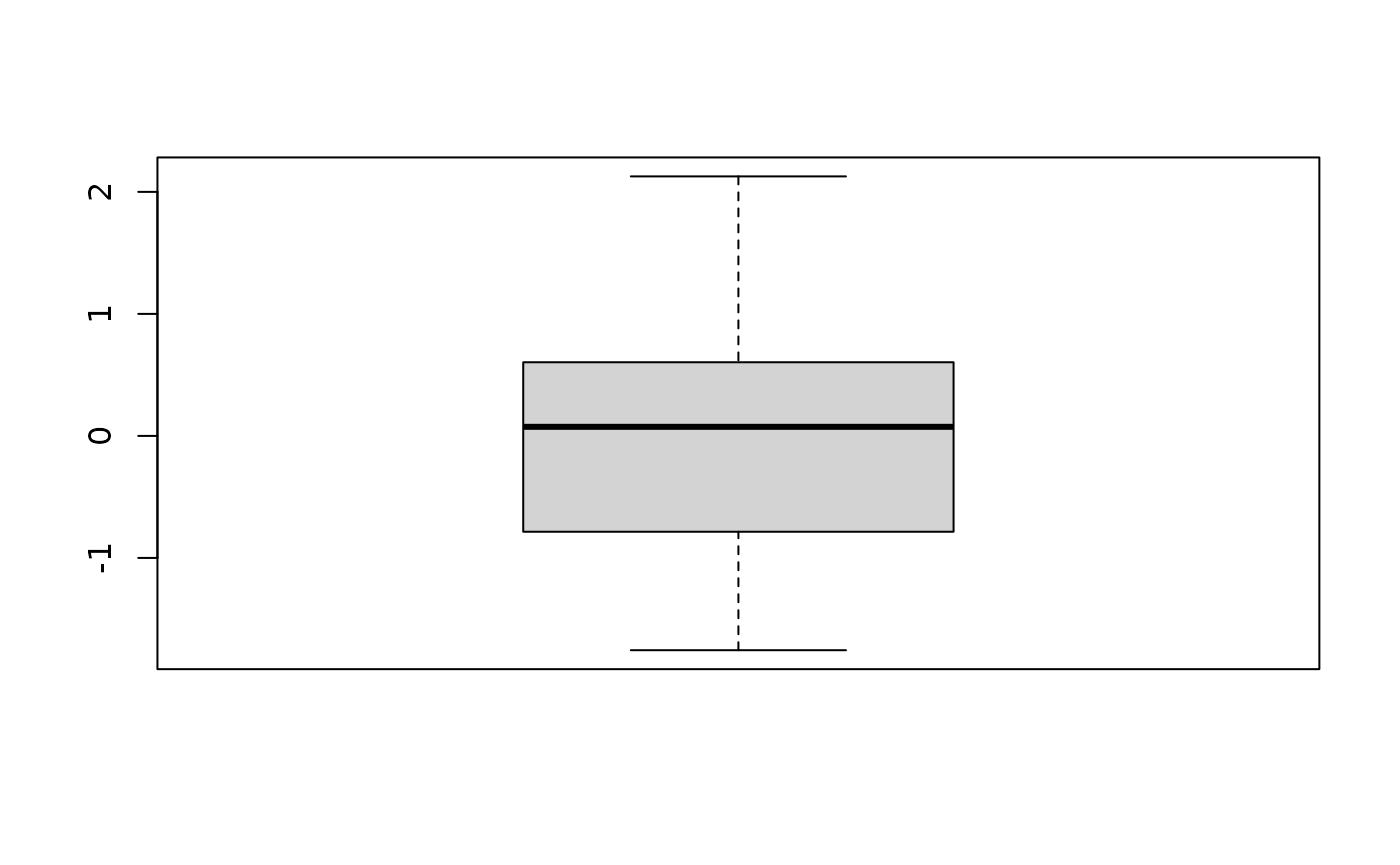
Object aliasing with aka()
The aka() function allows you to create an alias for an
existing object (function, data set, etc.) with its own help page. This
is useful when you want to provide a more user-friendly name for a
function. The SciViews::R dialect uses it to provide snake_case versions
of several R functions.
Data frame conversions with as_dtx() and related
functions
The {svBase} package provides a set of functions to convert between
different data frame types in R, including base R’s
data.frame, data.table, tibble’s
tbl_df, and SciViews’ data.trame. The
main function for this purpose is as_dtx(), which converts
an object to the preferred data frame type as specified by the user. The
preferred data frame type can be set using the
SciViews.as_dtx option.
Alternate assignment operator %<-%
The alternate assignment operator %<-% (or
%->%) allows for multiple assignment (also known as
destructuring assignment) and ensures that the assigned value is
collected and converted to the preferred data frame type. This is
particularly useful when working with {dplyr} pipelines and extensions
like {dtplyr} or {dbplyr}.
Labels and units
The {svBase} package provides functions to manage labels and units
for R objects. The label() function allows you to set or
get a label for an object, while the labelise() function
allows you to set bot the label and the units for an object. These
functions are useful for adding metadata to your data frames and
variables.
Enhanced messages
The {svBase} package includes functions for enhanced messaging in R.
The stop_(),and warning_() functions provide a
consistent way to display error messages, and warnings, respectively.
These functions enhance the {cli} equivalents cli_abort()
and cli_warn(). They benefit from their enhancements
(better context, better formatting of the message…), and they they also
allow for message translation where it is not done easily/automatically
with {cli} functions.
Regarding message translation, the gettext_(),
gettextf_(), a,d ngettext_() functions are
wrappers around the base R gettext(),
gettextf(), and ngettext() functions, also
allowing to get translations in a different language than the
current one for the R session. This is useful when you have to produce a
report in a different language, or in a multi-lingual context. Hence,
sentences for tables, plots, or other material can be translated
independently of the R error messages.
The “data-dot” mechanism
The {svBase} package introduces the “data-dot” mechanism, which
allows for easier management of data frames in R functions. It ensure
that a first data= or .data= argument contains
a data frame, or it injects . as first argument. This is
particularly useful when working with {dplyr} pipelines.